There are two different ways on how to connect SAP S/4 HANA Cloud with Hivebuy:
Follow the steps below to set up OData services for your SAP S/4 HANA Cloud instance.
1
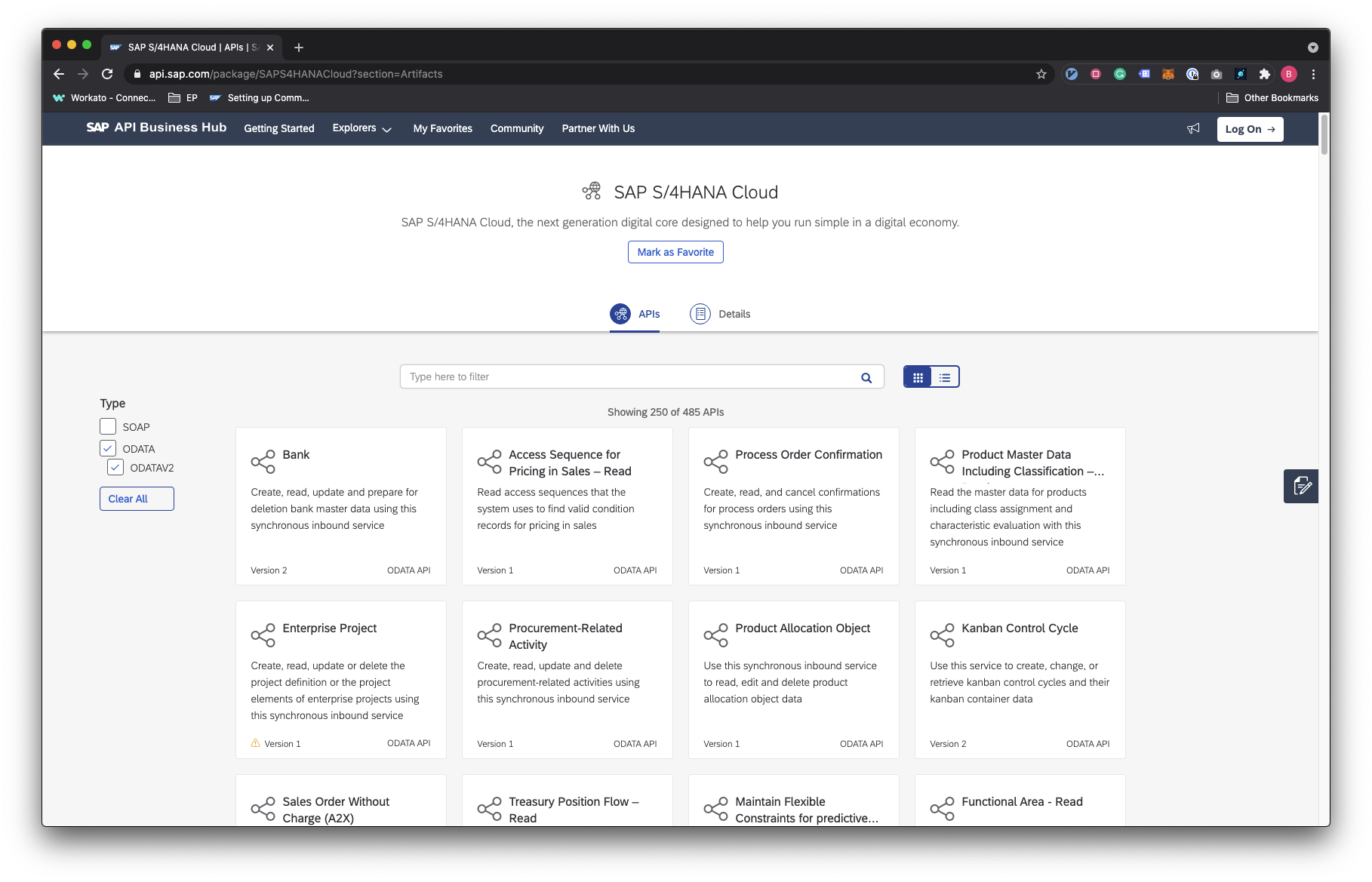
Find the OData API for your automation needs in the SAP API Business Hub explorer(opens new window).
2
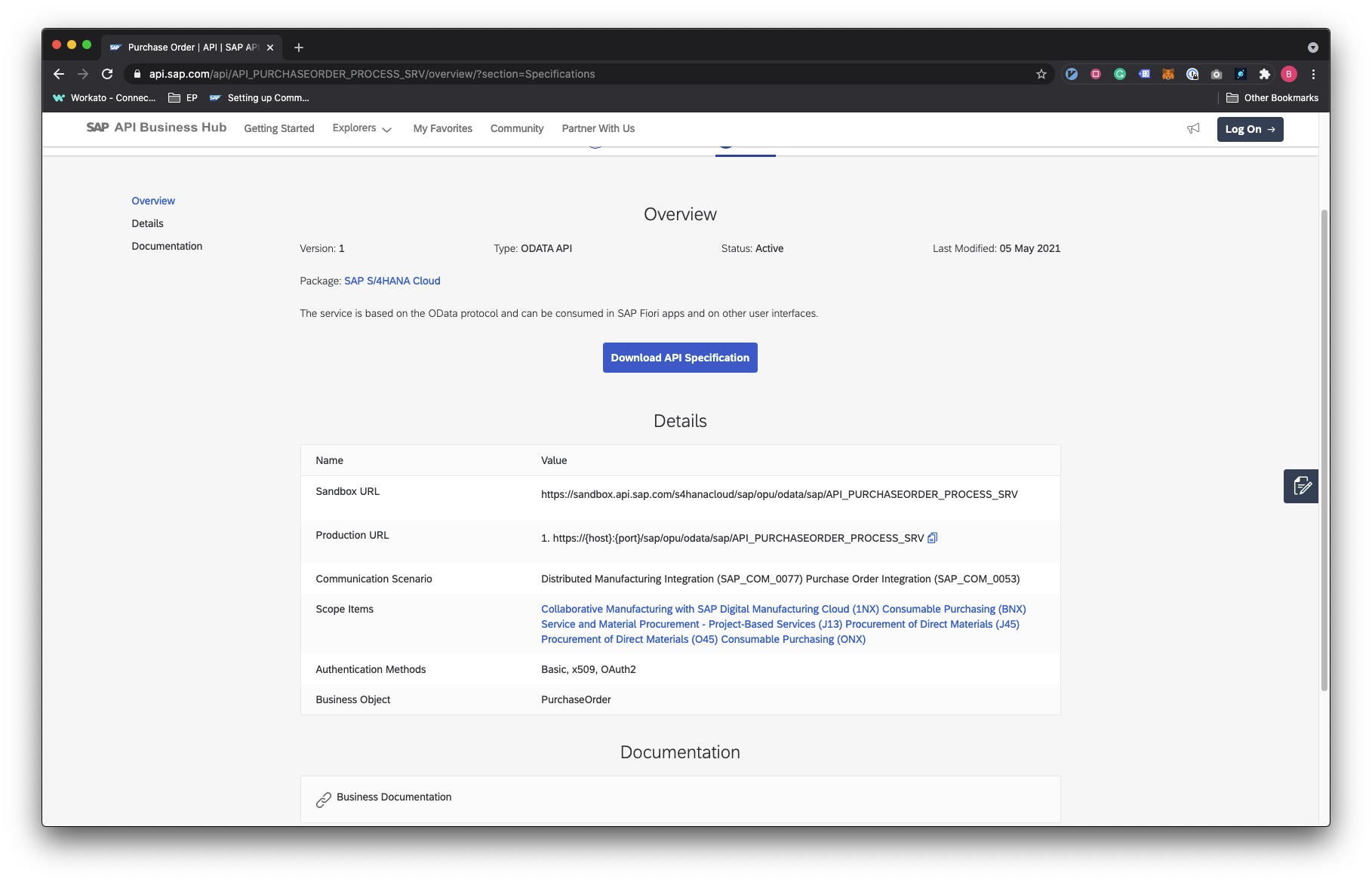
Once you've found a suitable API (procurement-related), click to open it, and find the communication scenario ID. Store this ID for use later on.
3
Follow the steps in Setting up Communication Management(opens new window) to do the following:
When you have completed the steps, you’ll receive from Dev-Team at Hivebuy the connection fields.
Follow the steps below to set up OData services for your SAP S/4 HANA Cloud instance.
1